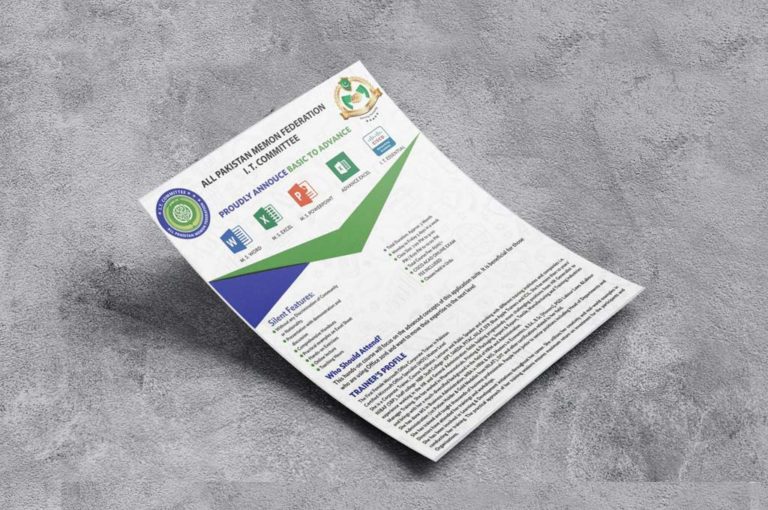
all pakistan memon federation it committee

Certified Office Professional

Certified Office Professional

Certified Office Professional

Simplify tasks and improve productivity with our Microsoft Office training courses. Learn to effectively prepare documents, analyze data, present data, and build reports with Microsoft Office training. With courses for beginners to power users, you can gain the skills you need in the features and functions of the Microsoft Office Suite, including Excel, Word, and PowerPoint.

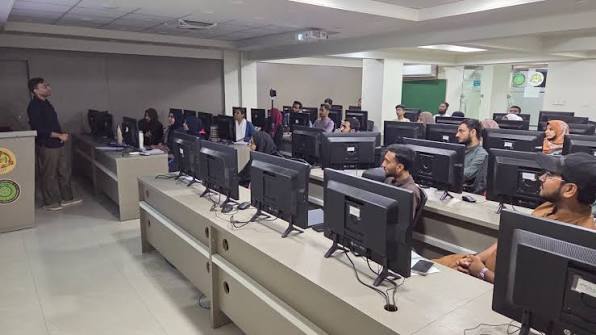
This course has been designed for users of Microsoft Office. The course provides an introduction to using the main components of Microsoft Office. The course is 100% hands-on, with exercises to help the participants practice the new skills they learn.

Silent Features

  • Without any Discrimination of Community or Nationality.
  • Presentation with demonstration and discussion
  • Comprehensive Handouts
  • Practical examples on Excel Sheet
  • Hands-on Exercises
  • Online lecture
  • Teaching Hours
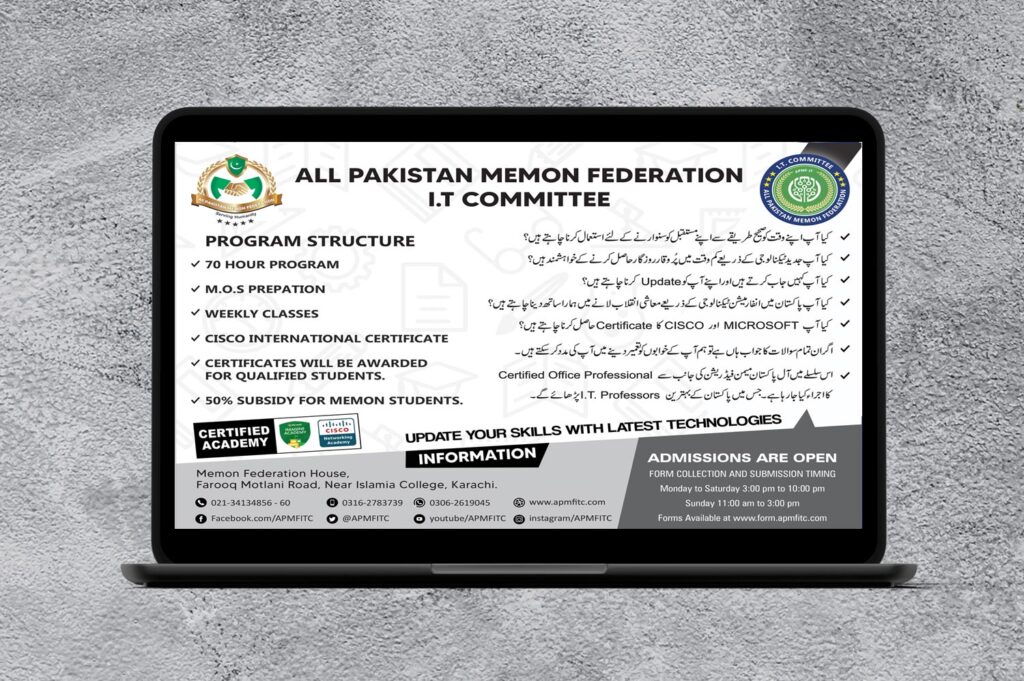
  • Total Duration: Approx.: 6 Months
  • Class: Only Sunday (1 day a week)
  • Class Slot: 10:00 AM to 01:00 PM
  • Registration Charges. 500/-
  • Course Fee for 6 Months: Rs. 14,500/-
  • Memon Students pay for 6 Month: Rs.7,500/-
  • Partner Organization Member’s pay for 6 Month: Rs.3500/-
  • Cisco Acad Online Exam (Fee Included)
  • Classes held in Urdu

Who Should Attend?

This hands-on course will focus on the advanced concepts of this application suite. It is beneficial for those who are using Office 2016 and want to move their expertise to the next level

Partner Jamat

  1. Gondal Memon Association
  2. Pakistan Memon Jamat
  3. Kutiyana Memon Association
  4. Upleta Memon Association
  5. Bombay Halai Memon Jamat
  6. Porbandar Suriawad Memon Jamat
  7. Veraval Patan Memon Anjuman
  8. The Halari Memon General Jamat
  9. The Jetpur Memon Association

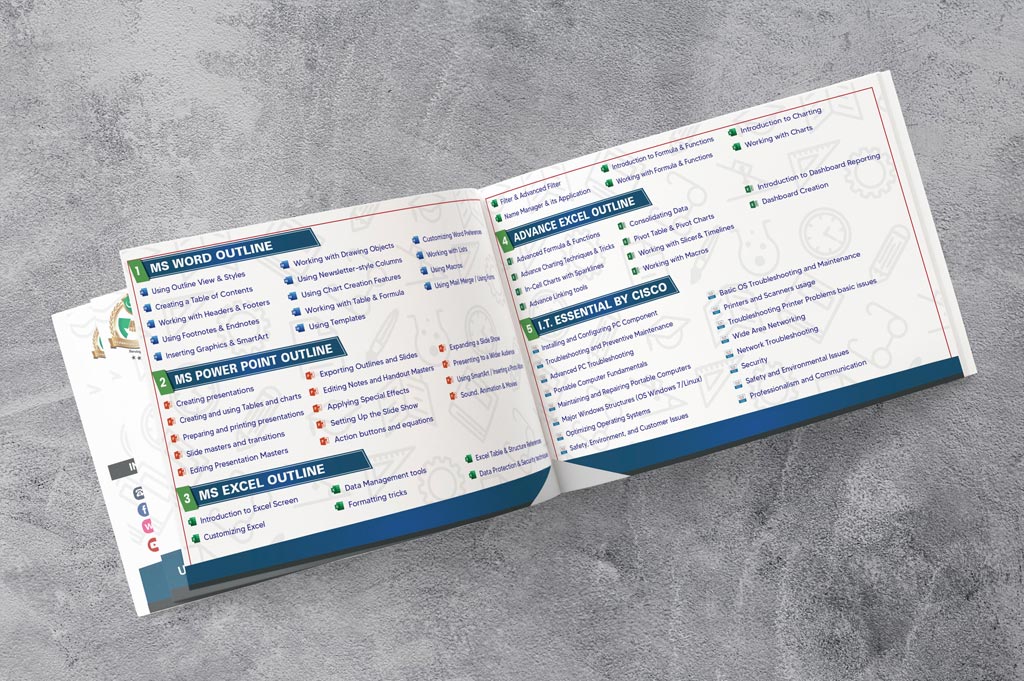
Contents

Microsoft Word (12 Hours)

Using Outline View & StylesCreating a Table of ContentsWorking with Headers & FootersUsing Footnotes & Endnotes
Inserting Graphics & SmartArtWorking with Drawing ObjectsUsing Newsletter-style ColumnsUsing Chart Creation Features
Working with Table & FormulaUsing TemplatesCustomizing Word PreferencesWorking with Lists
Using MacrosUsing Mail Merge / Using Forms  

Microsoft Power Point (12 Hours)

Creating presentationsCreating and using Tables and chartsPreparing and printing presentationsSlide masters and transitions
Editing Presentation MastersExporting Outlines and SlidesEditing Notes and Handout MastersApplying Special E”ects
Setting Up the Slide ShowAction buttons and equationsExpanding a Slide ShowPresenting to a Wider Audience
Using SmartArt Inserting a Photo AlbumSound, Animation & Movies  

Advanced Microsoft Excel (18 Hours)

Advanced Formula & FunctionsAdvance Charting

Techniques and Tricks

In-Cell Charts with SparklinesAdvance Linking tools
Consolidating DataPivot Table & Pivot ChartsWorking with Slicer& TimelinesWorking with Macros
Introduction to Dashboard ReportingDashboard Creation  

Cisco I. T. Essential

OVERVIEW
PC Hardware and Software curriculum introduces the skills needed to help meet growing demand for entry-level information and communication technology (ICT) professionals. It covers the fundamentals of PC technology, networking, and security, and also introduces advanced concepts.  Imagine building a computer then connecting it securely to a network. This exciting first step could lead to a rewarding IT career. Because a sure way to excel—no matter which area of IT you choose—is to learn the right computer fundamentals. IT Essentials covers this as well as shares the career skills needed for entry-level IT jobs. Plus, you’ll enjoy working with Cisco’s Networking Academy’s advanced simulation tools and having multiple hands-on labs to really hone your troubleshooting skills and immediately practice what you learn! Also prepare for the CompTIA A+ Certification. No prerequisites or computer knowledge required.
 
Contents
Installing and Configuring PC ComponentTroubleshooting and Preventive Maintenance
Advanced PC TroubleshootingPortable Computer Fundamentals
Maintaining and Repairing Portable ComputersMajor Windows Structures (OS Windows 7/Linux)
Optimizing Operating SystemsSafety, Environment, and Customer Issues
Basic OS Troubleshooting and MaintenancePrinters and Scanners usage
Troubleshooting Printer Problems basic issuesWide Area Networking
Network TroubleshootingSecurity
Safety and Environmental IssuesProfessionalism and Communication

Faculty Head

The First Female Microsoft Office Corporate Trainer in Pakistan Certified Microsoft Office Specialist (MOS) Master Level. She is a Corporate Trainer, Course Facilitator, Lecturer, and Public Speaker and working with different training institutes and companies i.e. NIBAF (SBP), Staff college- NBP, Staff College- KPT, SMEDA, PITAC, NILAT, EFP, Blue Apple Trainers, and ICIL.

She has more than 10 years’ experience working in the HR and General Administration fields holding progressively more challenging positions from HR Generalist to Manager of Training. She has worked in Pharmaceuticals, Printing & Packaging, Import & Export, Textile, Manufacturing and Training industries and brings with her a much-diversified background in the field of HRM and Administration.

She has done MS in Business Administration, MBA in HRM & MIS, Masters in Economics, B.Ed., B.Sc [Honors], PGD Labour Laws & Labour Administration (1st Potion Holder & Gold Medalist from NILAT), DIT, and other certifications related to her field.

She has trained and taught thousands of business professionals. People from junior to senior positions including Head of Departments and Directors have attended her training and workshops.

She has been involved in Learning & Development initiatives throughout her career. She utilizes her creativity and real-world examples in conducting her training. The practical approach of her training sessions ensures maximum return on investment for the participants and Organizations.